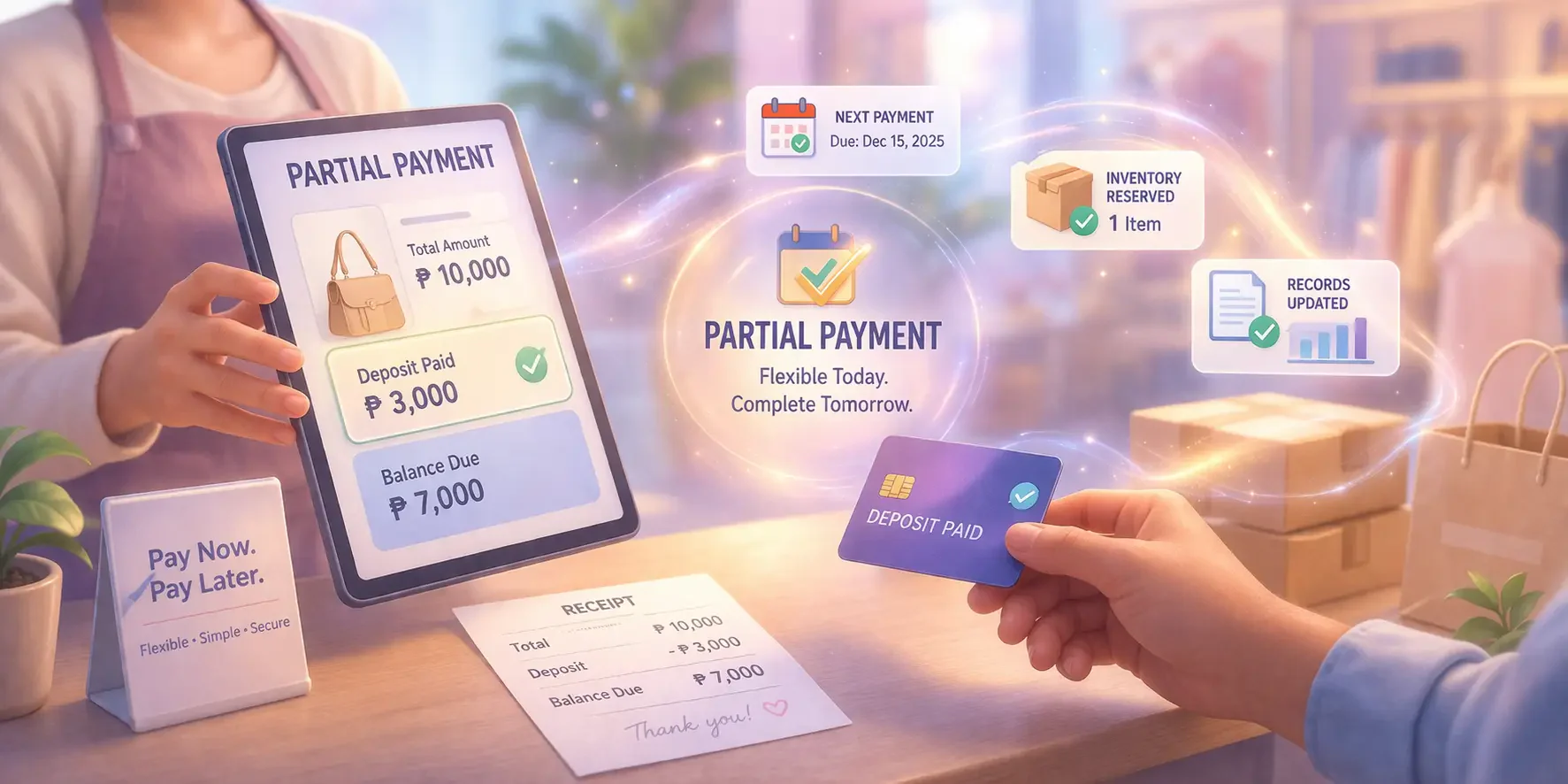






Using restaurant billing software can significantly boost revenue and operational performance. Studies show modern POS systems can increase sales by up to 30% through faster table turnover, improved order accuracy, and enhanced data insights.
Running a restaurant in the Philippines comes with unique challenges, including managing high customer volumes and ensuring quick service during peak hours. These operational demands can overwhelm traditional billing systems.
To address these challenges, many restaurants are adopting modern billing software. By streamlining order processing, payments, and inventory management, these systems help restaurants operate more efficiently and improve the overall dining experience.
Key Takeaways
|
What is Restaurant Billing Software?
Restaurant billing software is a specialized system designed to automate billing and sales processes in the food service industry. This software enables restaurants to manage both front-of-house and back-of-house operations seamlessly.
For restaurants in the Philippines, implementing this billing system can take your business in a successful direction. Your restaurant operations will run efficiently, and there will be no more time wasted on handling non-integrated customer orders.
Why Does Your Restaurant Need Billing Software?
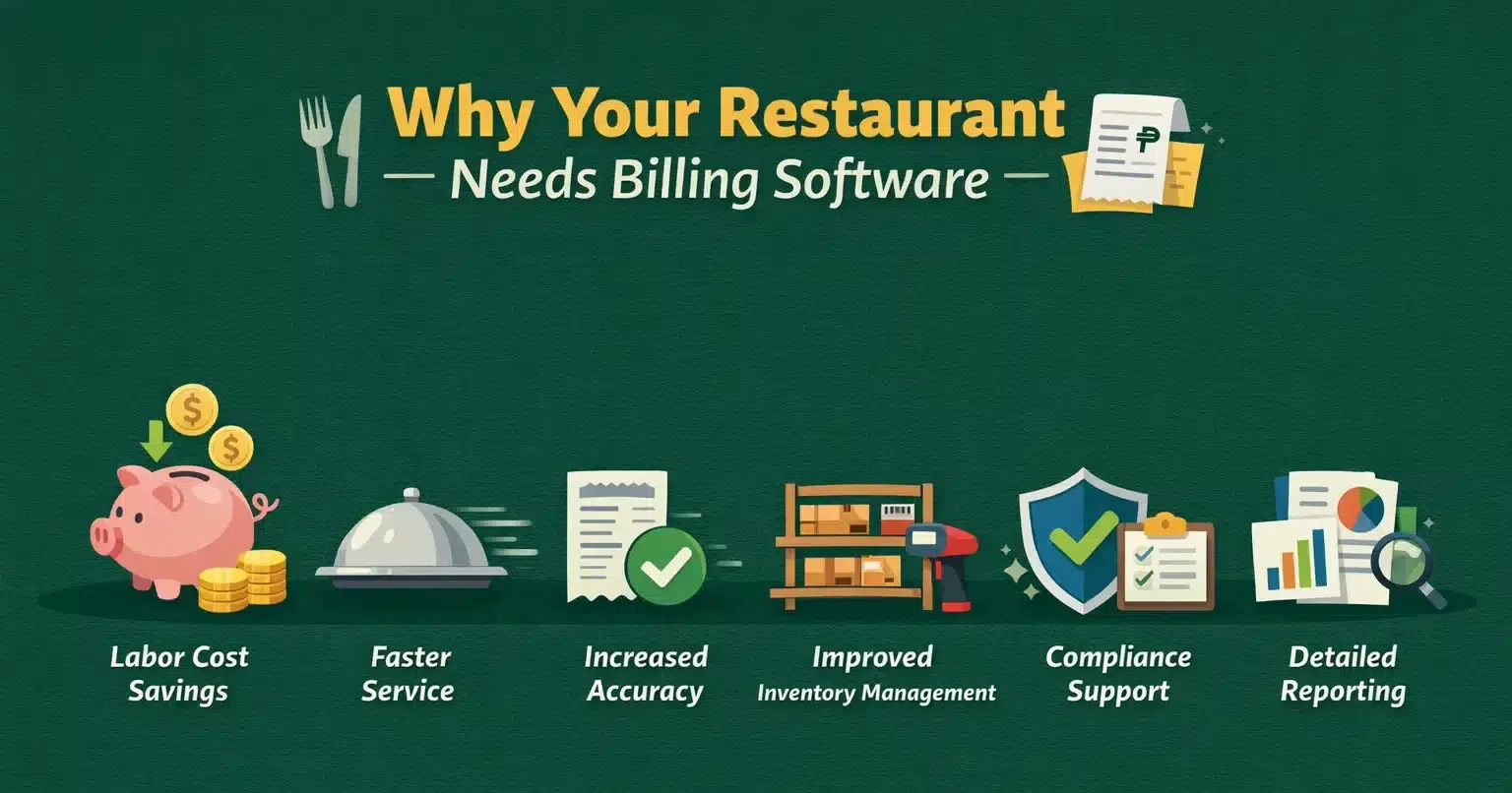
Implementing restaurant billing software offers several key benefits that directly impact operational efficiency and benefits. These include:
- Labor cost savings: Automated billing reduces the need for additional staff, allowing restaurants to operate with greater efficiency.
- Faster service: With streamlined order and payment processes, restaurants can serve more customers in less time, enhancing the overall dining experience.
- Increased accuracy: Human errors in subscription billing and order-taking are minimized, reducing the chance of overcharging or undercharging customers.
- Improved inventory management: The software tracks inventory in real-time, helping restaurants manage stock levels and reduce waste.
- Compliance support: Many systems ensure adherence to local financial and health regulations, protecting businesses from potential fines or penalties.
- Detailed reporting: Comprehensive financial reports provide insights into sales trends, staff performance, and customer preferences, supporting better business decisions.
Best 25 Restaurant Billing Software in the Philippines
If you are ready to choose a list of the best restaurant billing software vendors in the Philippines, here we present the 25 best billing software that you can implement in your restaurant business.
1. Infor
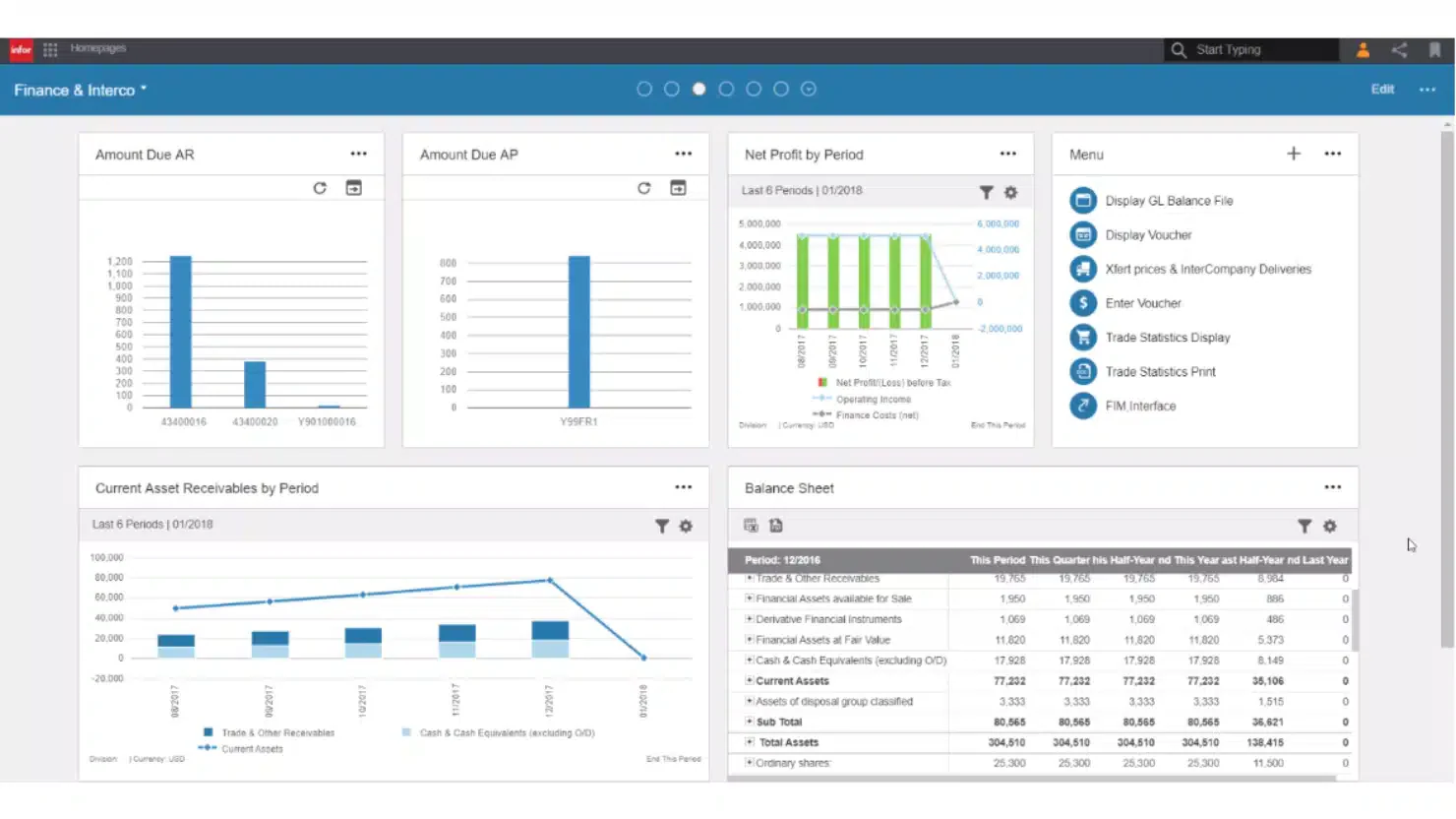
Why we picked it: Infor stands out for its mobile capabilities and integration with other restaurant systems, allowing seamless service delivery.
Infor provides industry-specific solutions with a strong focus on restaurant POS billing software. Its restaurant billing software is designed to handle everything from order taking to financial reporting. With mobile support, servers can process orders directly at the table.
Key features:
- Mobile device integration
- Detailed financial reporting
- Inventory management
- Staff management tools
| Pros | Cons |
| Mobile-friendly | High customization complexity |
| Industry-specific features | Requires extensive training |
| Easy integration | Long setup time |
| Excellent analytics | Customer support issues |
2. HashMicro Restaurant Billing Software
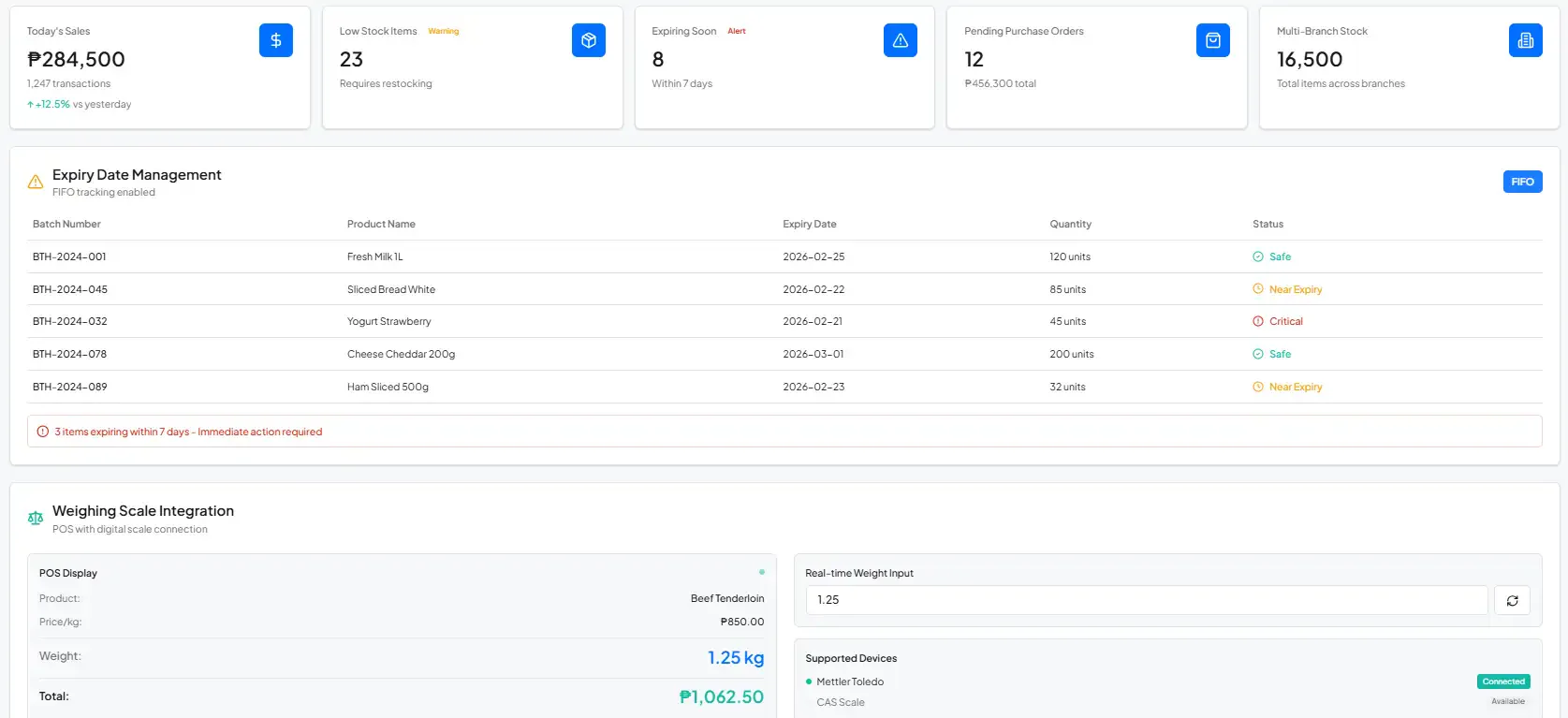
Why we picked it: HashMicro’s comprehensive suite of features and strong integration with other systems make it a versatile choice for restaurant managers looking to enhance operational efficiency.
HashMicro is the billing software for restaurant vendors that has covered 1750 companies across Southeast Asia, including the Philippines. It became a favorite choice among businesses because it offers numerous benefits, such as comprehensive features.
Key features:
- Centralized multi-branch: HashMicro simplifies managing multiple locations by offering uniform pricing, promotions, and inventory control from one platform.
- Order management: Streamlines order entry, processing, and tracking, reducing errors and improving speed and accuracy of service.
- Customizable billing options: Allow tailored billing with discounts, coupons, and dynamic pricing to enhance the checkout experience and boost customer retention.
- Central kitchen management: Oversees menu planning, purchasing, and inventory for production and supply chain operations through centralized control.
| Pros | Cons |
| User-friendly interface | The system implementation time may vary depending on your customization request. |
| Seamless integration | |
| Strong customer support | |
| Customizable for local needs |
3. NetSuite
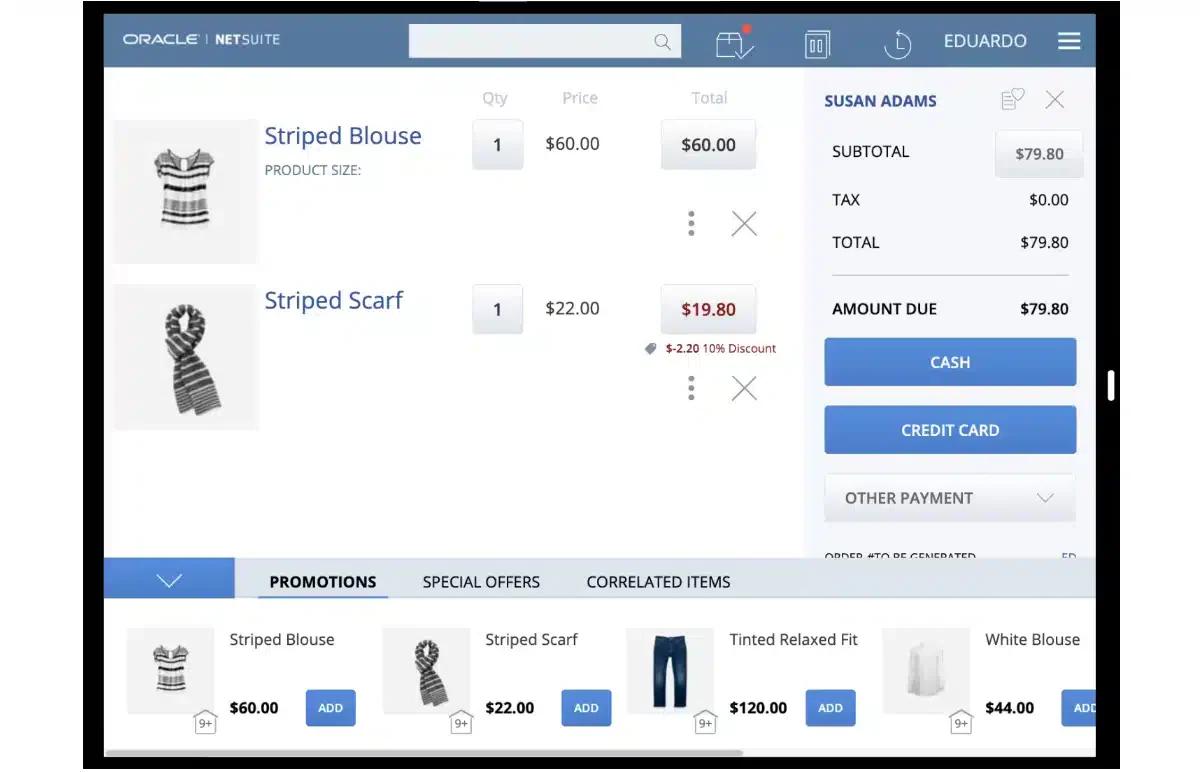
Why we picked it: NetSuite’s flexibility and cloud-based infrastructure make it a strong candidate for large-scale restaurants requiring comprehensive business management.
NetSuite offers a robust suite of cloud-based billing software. With its roots in ERP systems, NetSuite seamlessly integrates restaurant billing with inventory management, customer data, and financial reporting.
Key features:
- Real-time financial reporting
- Inventory management
- CRM integration
- Multi-location management
| Pros | Cons |
| Highly customizable | Steep learning curve |
| Strong integrations | Complex setup process |
| Real-time data access | Limited mobile capabilities |
| Excellent reporting tools | Customer support inconsistency |
4. Square POS
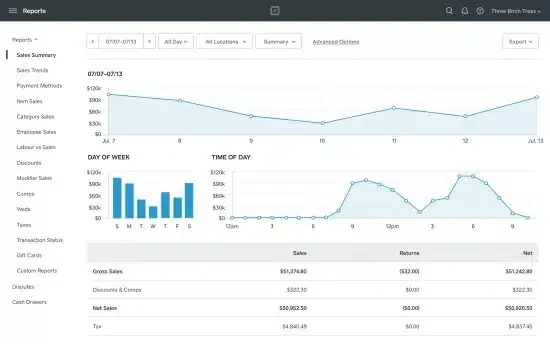
Why we picked it: Square POS is user-friendly and offers an all-in-one solution for restaurants looking to streamline both payment and operational processes.
The square point of sale system is widely known for its versatility and simplicity, making it a favorite among restaurateurs. Its easy-to-navigate interface is ideal for restaurants needing quick implementation without compromising on features.
Key features:
- Menu management
- Real-time reporting
- Inventory tracking
- Customer feedback management
| Pros | Cons |
| User-friendly design | Dependent on internet connection |
| Quick implementation | Limited customization options |
| Excellent reporting tools | Occasional issues with updates |
| Integrated payment system | Basic customer support options |
5. Clover
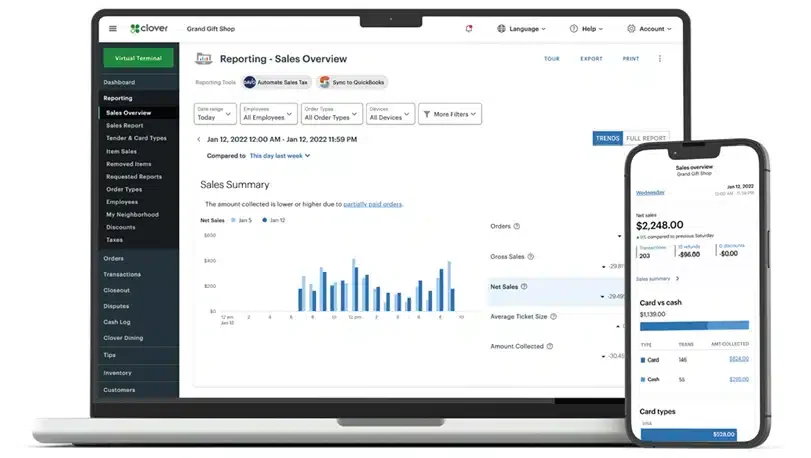
Why we picked it: Clover’s flexible hardware options and robust software make it an excellent choice for restaurants looking for a customizable POS experience.
Clover offers a comprehensive billing software for restaurant that combines billing, table management, and workforce value strategy tracking in one package. The flexibility of its hardware allows it to cater to various restaurant setups.
Key features:
- Table management
- Customer loyalty program integration
- Inventory tracking
| Pros | Cons |
| Customizable interface | Hardware can be costly |
| Seamless integration | Some system limitations |
| Easy to use | Internet-dependent functionality |
| Strong mobile support | Long customer support wait times |
6. Cake POS
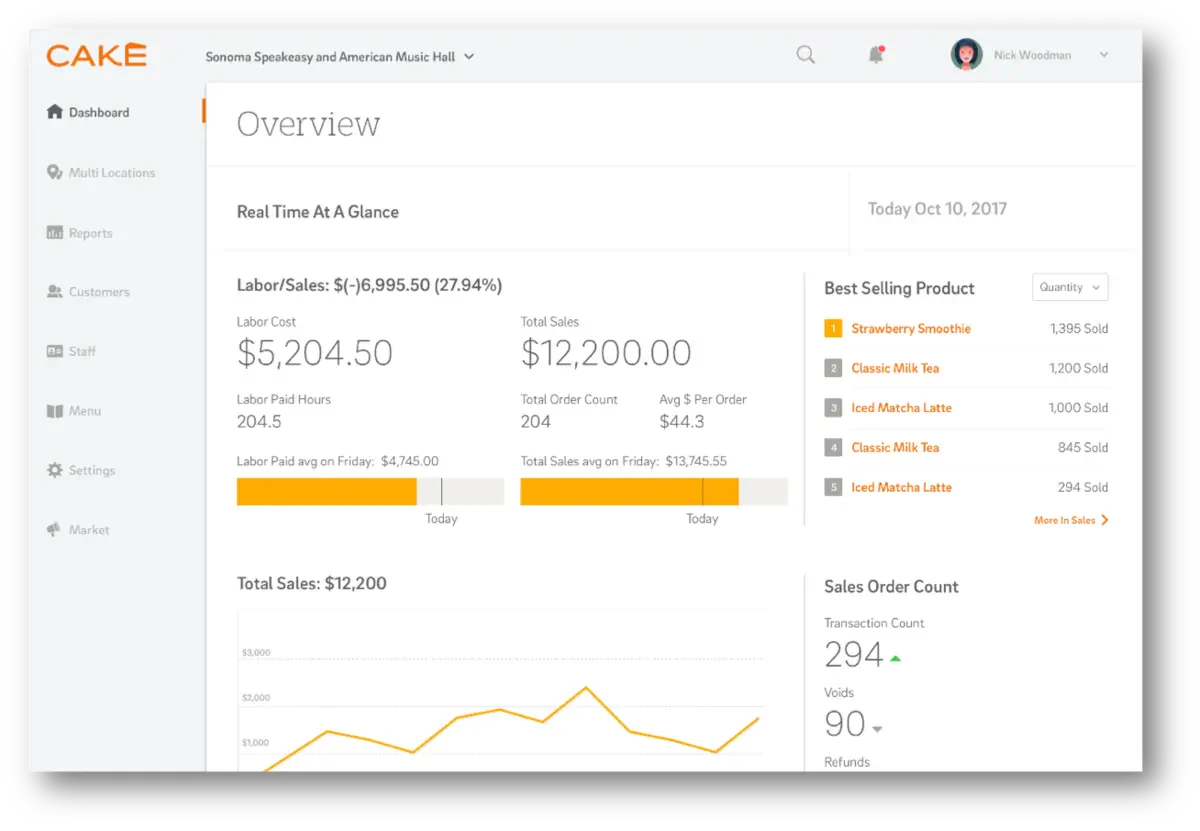
Why we picked it: Cake POS’s focus on simplifying restaurant operations, combined with strong customer service, makes it an attractive option for restaurants focused on quick order processing.
Cake POS is designed specifically for the restaurant industry, offering solutions that improve order accuracy and reduce wait times. Its user-friendly interface allows servers to customize orders quickly and process payments efficiently.
Key features:
- Tableside ordering
- Real-time menu updates
- Inventory management
- Customer feedback tools
| Pros | Cons |
| Easy-to-use interface | Subscription model can be costly |
| Real-time updates | Hardware limitations |
| Seamless customer support | Complex setup for large venues |
| Strong reporting features | Learning curve for new users |
7. TouchBistro
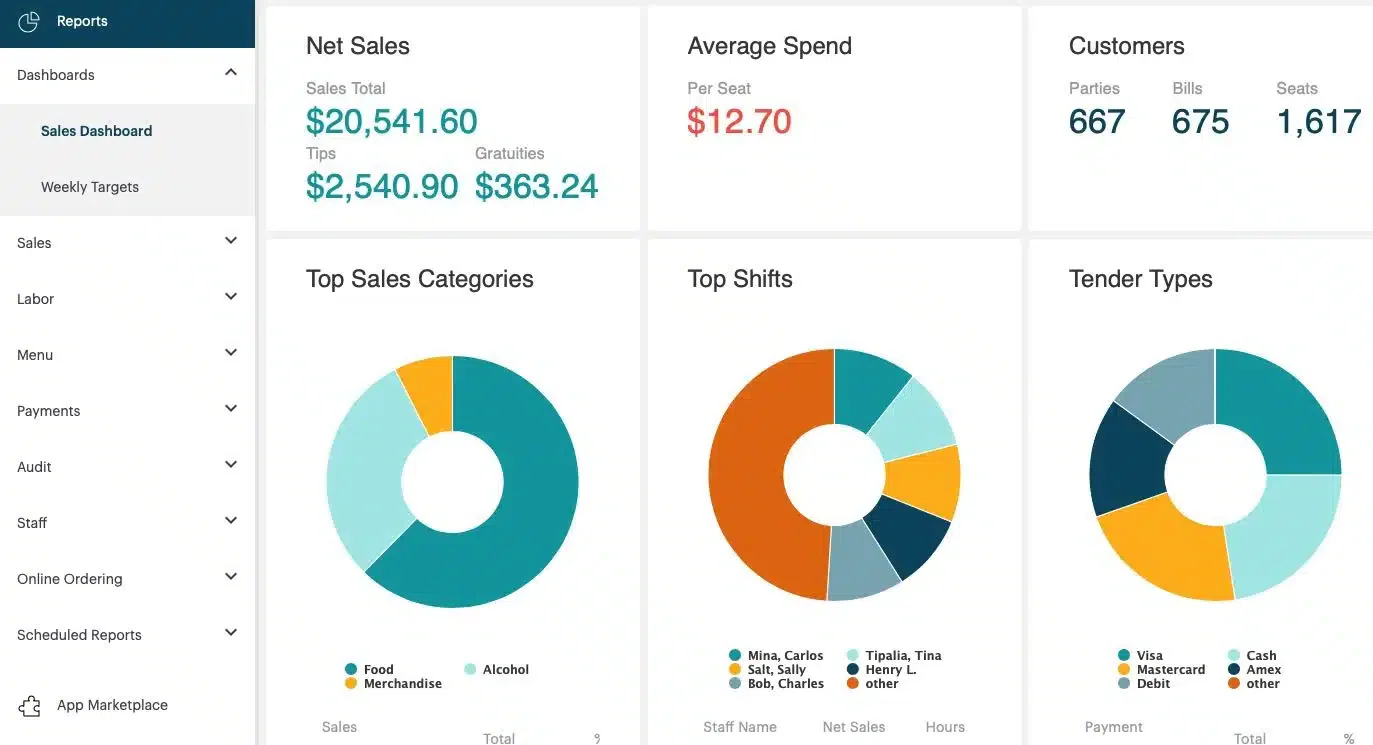 Why we picked it: TouchBistro’s focus on optimizing the dining experience through table management and seamless payment integration makes it an ideal solution for full-service restaurants.
TouchBistro is designed exclusively for the food service industry, offering features that meet the specific demands of restaurants. It supports tableside ordering, which reduces order processing times and enhances customer service.
Key features:
- Tableside ordering
- Menu management
- Staff scheduling
- Comprehensive reporting
| Pros | Cons |
| Easy to navigate | Monthly subscription fees |
| Restaurant-focused features | Limited integration capabilities |
| Real-time reporting | Customer support varies by plan |
| High levels of customization | Occasional lag in busy hours |
8. Toast POS
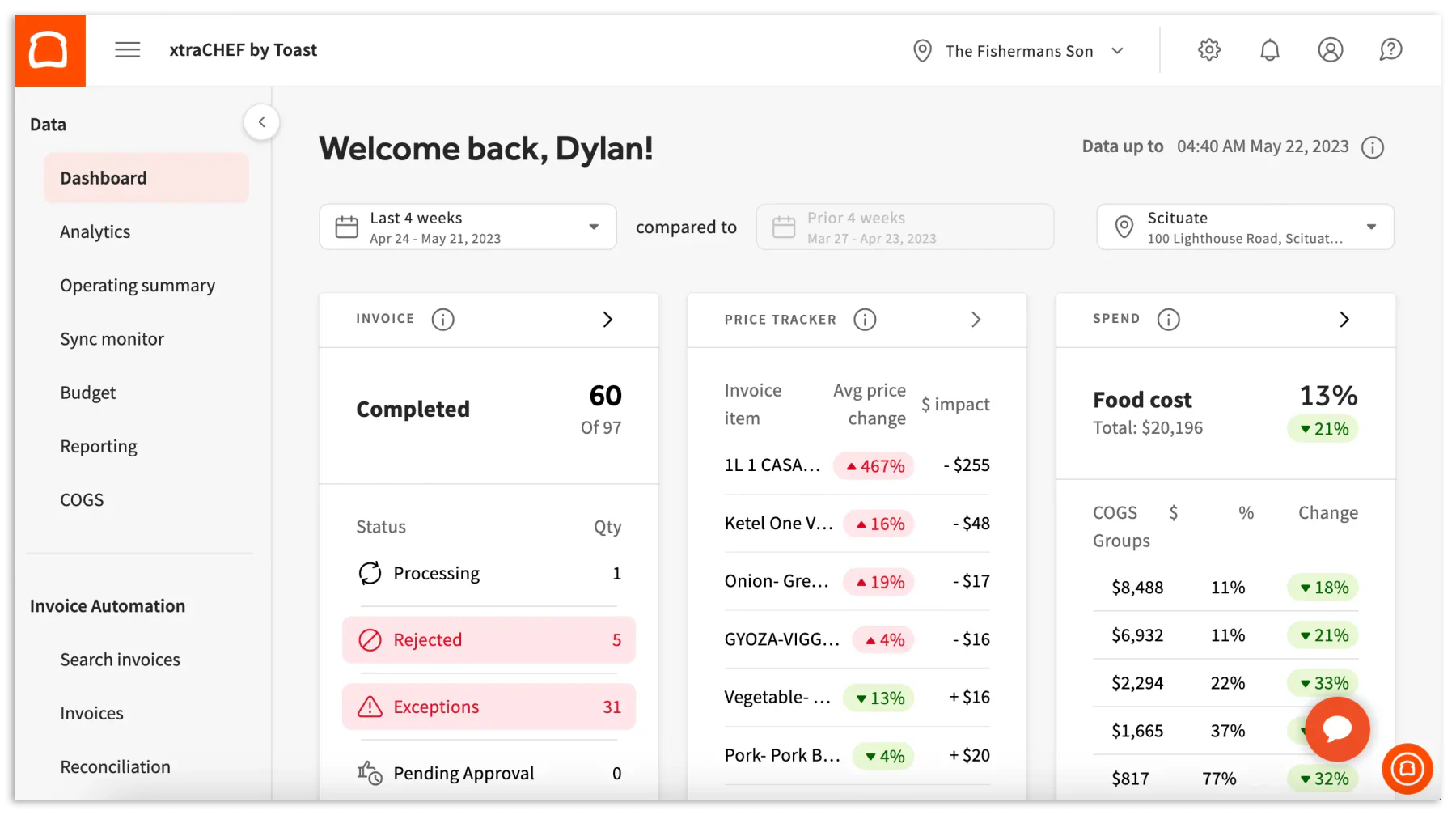
Why we picked it: Toast POS is known for its extensive functionality in order management and its ability to handle high customer volumes, making it ideal for busy restaurants.
Toast POS offers a comprehensive billing software for restaurants. Its advanced order management system allows for seamless operations. Toast also includes work order scheduling and CRM features, helping restaurants manage both the front and back ends of operations.
Key features:
- Advanced order management
- Employee scheduling
- Real-time analytics
- Customizable POS system
| Pros | Cons |
| User-friendly interface | Complex customization |
| Excellent reporting tools | High setup time |
| Strong customer support | Hardware can be expensive |
| Great for high-volume venues | Internet dependence |
9. iRestaurant
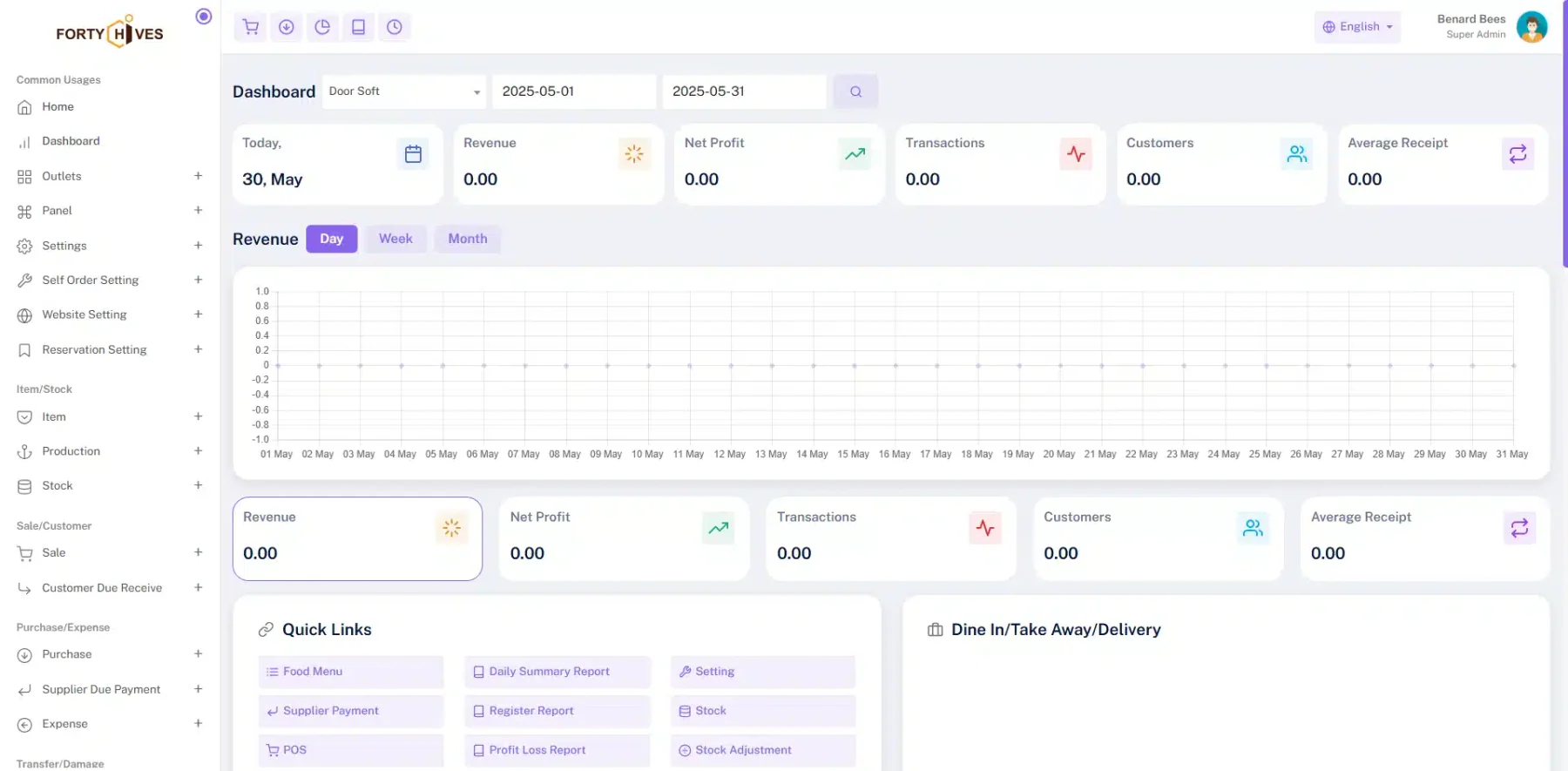
Why we picked it: iRestaurant offers a cloud-based solution that focuses on improving operational efficiency through mobile compatibility and real-time reporting.
iRestaurant is a cloud-based restaurant billing software that offers a suite of tools to streamline operations. It integrates well with mobile devices, allowing staff to take orders and process payments from anywhere in the restaurant.
Key features:
- Cloud-based system
- Real-time reporting
- Inventory management
- Online ordering integration
| Pros | Cons |
| Cloud-based access | Requires stable internet |
| Mobile-friendly | Limited offline functionality |
| Easy integration | Training required for full usage |
| Real-time data updates | Customer support inconsistencies |
10. Lightspeed
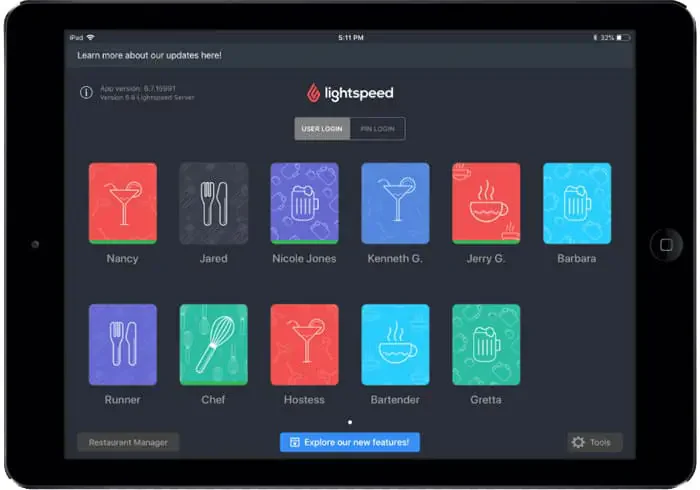 Why we picked it: Lightspeed’s scalability and strong inventory tracking capabilities make it an excellent option for restaurants focused on reducing waste and improving service accuracy.
Lightspeed offers a comprehensive restaurant billing management system that integrates point-of-sale and customer relationship tools. Known for its scalability, Lightspeed is suitable for both small and large restaurants looking to grow.
Key features:
- Real-time inventory tracking
- Kitchen display system
- Integrated payment system
- Detailed reporting tools
| Pros | Cons |
| Highly scalable | Expensive add-on features |
| Detailed analytics | Requires training for staff |
| Real-time inventory tracking | Setup can be complex |
| Easy integration with third-party apps | Internet dependency |
11. Loyverse POS
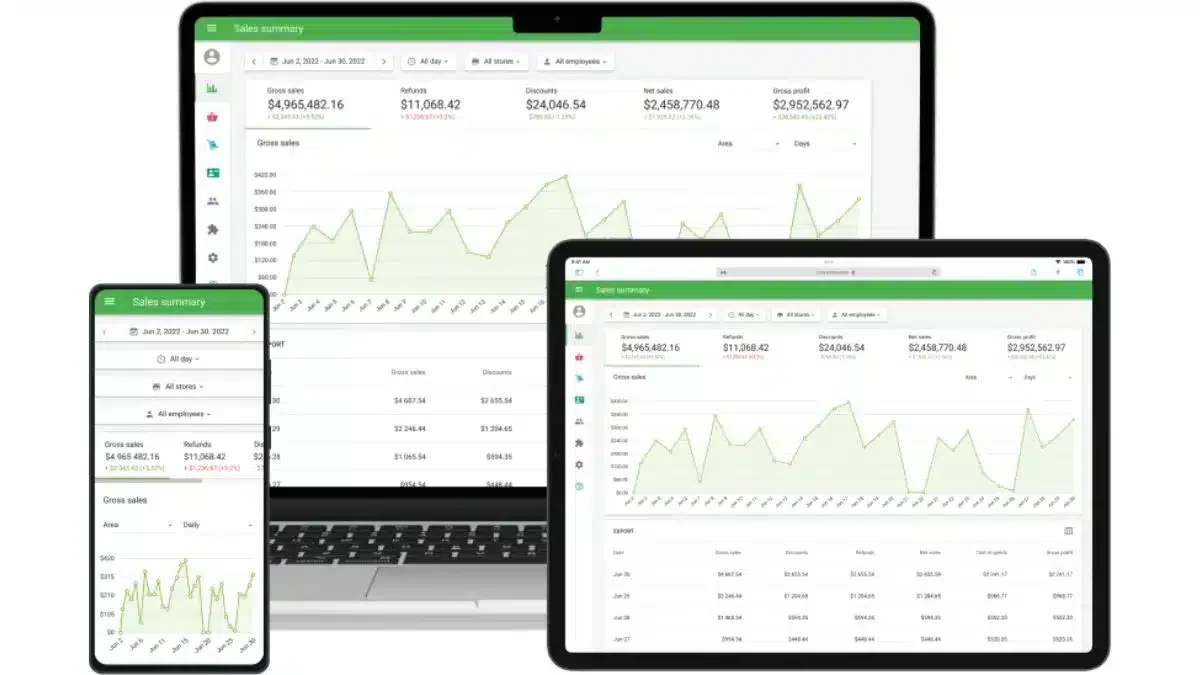
Why we picked it: Loyverse stands out for its mobile optimization and support for customer loyalty programs, making it an excellent choice for restaurants focused on customer retention.
Loyverse is a mobile-based POS and business management system that helps restaurants build customer loyalty while improving service efficiency. The software supports multiple languages and currencies, making it suitable for restaurants catering to diverse clientele.
Key features:
- Mobile-optimized POS
- Customer loyalty programs
- Multi-language and currency support
| Pros | Cons |
| Mobile-friendly | Limited advanced features |
| Multi-language support | Not ideal for large operations |
| Easy setup | Requires internet connection |
| Customer loyalty integration | Occasional technical issues |
12. DinePlan
Why we picked it: DinePlan’s focus on enhancing the customer experience through table management and reservation tools makes it a great option for restaurants aiming to improve service efficiency.
DinePlan is a restaurant POS billing software designed to streamline operations from table management to customer feedback. Its table management features allow restaurants to optimize seating, reducing wait times and digital service management flow.
Key features:
- Table management
- Kitchen order ticketing
- Customer feedback tools
- Financial reporting
| Pros | Cons |
| Customizable interface | Steep learning curve |
| Offline functionality | Expensive depending on features |
| Integrated booking system | Limited third-party integrations |
| Strong reporting capabilities | Long setup process |
13. Waiterio
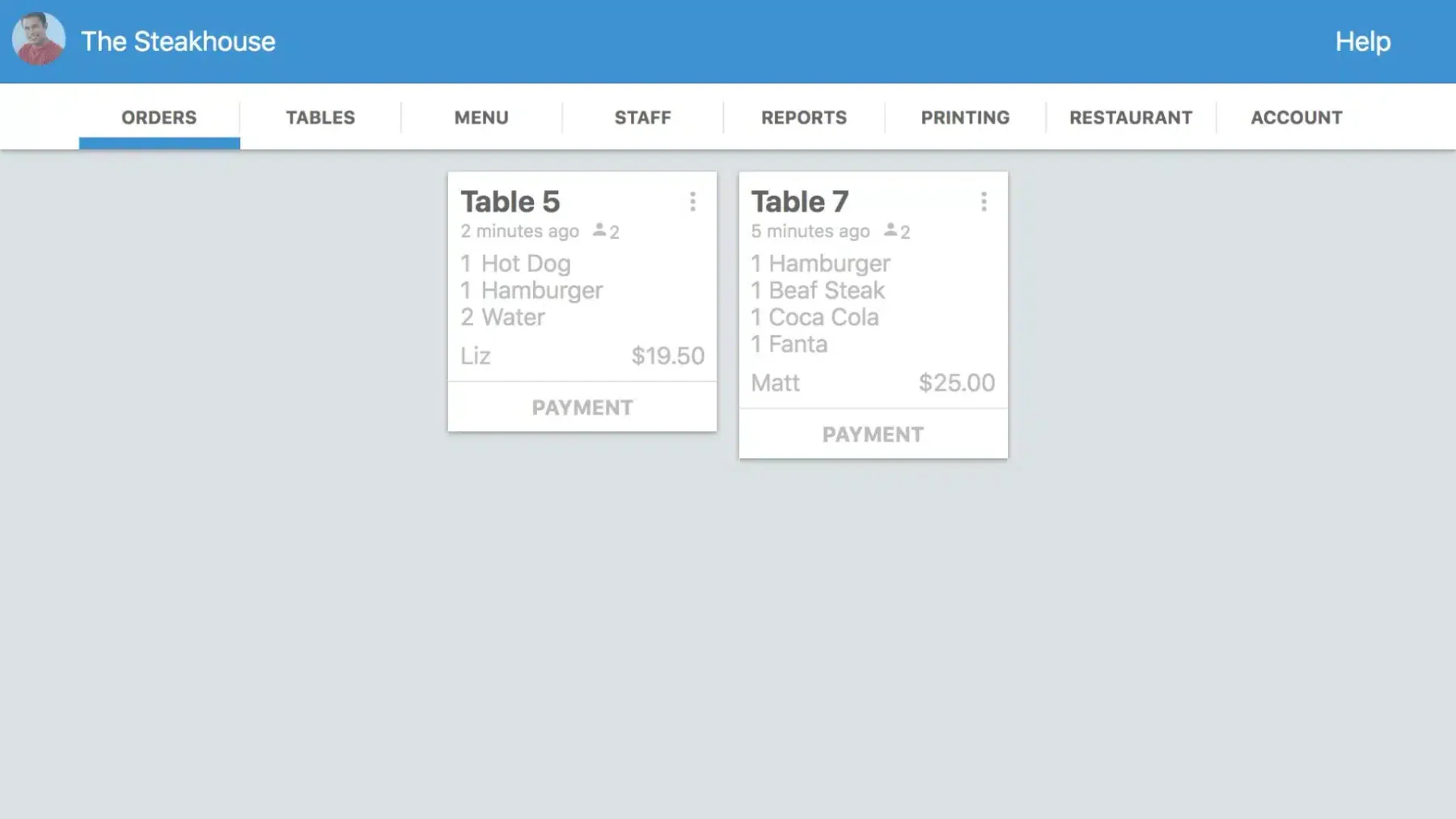 Why we picked it: Waiterio’s focus on simplicity and offline functionality makes it ideal for restaurants looking for a basic but effective billing system.
Waiterio is an offline restaurant billing software designed for quick-service cafes and bars. Its straightforward design allows staff to quickly take orders, process payments, and split bills with ease. Waiterio also offers cloud-based data storage, providing flexibility for management.
Key features:
- Offline functionality
- Quick order setup
- Real-time menu updates
| Pros | Cons |
| Easy to use | Limited customization |
| Offline capabilities | Scalability issues |
| Quick setup | Limited advanced features |
| Cloud-based access | Occasional sync delays |
14. Restroworks Restaurant Billing Software
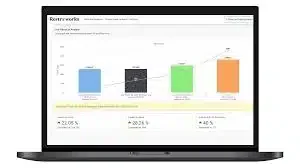
Why we picked it: Restroworks is a great fit for restaurants focused on improving both customer service and operational efficiency.
Restroworks is a full-service restaurant POS system that integrates booking and reservation management with order processing. Its kitchen display system syncs orders directly with the kitchen, ensuring accurate and timely preparation.
Key features:
- Advanced booking management
- Kitchen display system
- Real-time communication
- Comprehensive reporting
| Pros | Cons |
| Real-time communication | Complex setup process |
| Advanced booking tools | Requires staff training |
| Strong reporting capabilities | Expensive for smaller venues |
| Good customer support | Integration can be time-consuming |
15. SpotOn Restaurant Management System
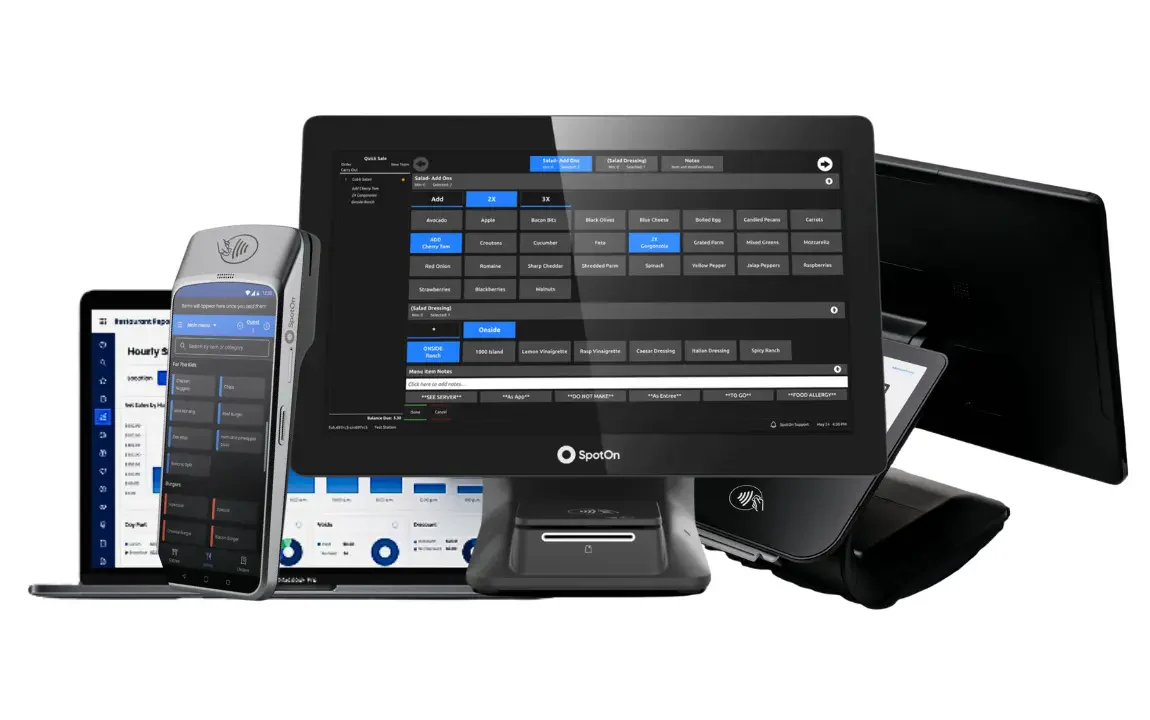
Why we picked it: SpotOn’s integration of restaurant management software with its POS functionality makes it ideal for restaurants looking to boost customer engagement.
SpotOn combines point-of-sale functionality with advanced marketing tools to help restaurants streamline operations and enhance customer interaction. Its integrated marketing platform offers tools for email campaigns and social media management.
Key features:
- POS and marketing integration
- Loyalty program management
- Detailed analytics
| Pros | Cons |
| Marketing tools integration | Expensive setup |
| Detailed analytics | Requires more staff training |
| Easy customer loyalty management | Limited customization |
| Strong customer support | Internet dependency |
16. Epos Now
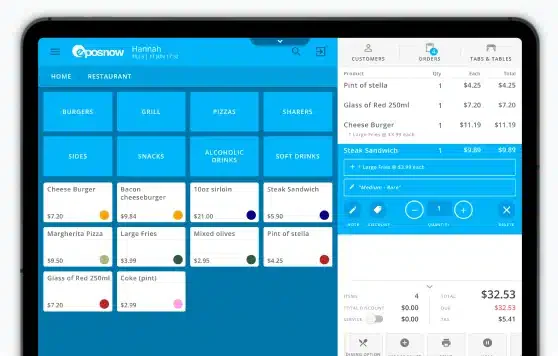
Why we picked it: Epos Now’s modular system allows restaurants to build a tailored solution, making it highly customizable for unique operational needs.
Epos Now is a cloud-based POS billing software for the restaurant that caters to both retail and hospitality businesses. Its modular design allows restaurant managers to select only the features they need, avoiding unnecessary complexity.
Key features:
- Modular system
- Cloud-based accessibility
- Inventory management
- CRM integration
| Pros | Cons |
| Customizable modular system | Ongoing costs can add up |
| Easy-to-use interface | Limited advanced reporting |
| Cloud-based access | Some features require extra fees |
| Good third-party integrations | Occasional customer support delays |
17. FoodEngine
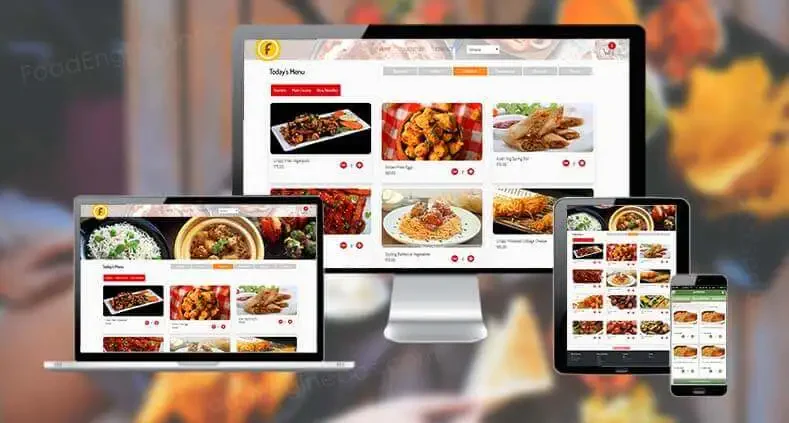
Why we picked it: FoodEngine’s specialized design for the food industry offers highly customizable tools for menu planning and customer interaction.
FoodEngine is built specifically for the restaurant industry, offering an intuitive interface and tools designed to enhance the dining experience. Its features include real-time inventory updates, customer relationship management, and menu planning.
Key features:
- Menu planning
- Real-time inventory updates
- CRM integration
- Real-time reporting
| Pros | Cons |
| Intuitive design | Hardware requirements |
| Customizable menu options | Complex feature set |
| Real-time updates | Limited third-party integrations |
| Strong reporting capabilities | Customer support inconsistency |
18. eZee Optimus
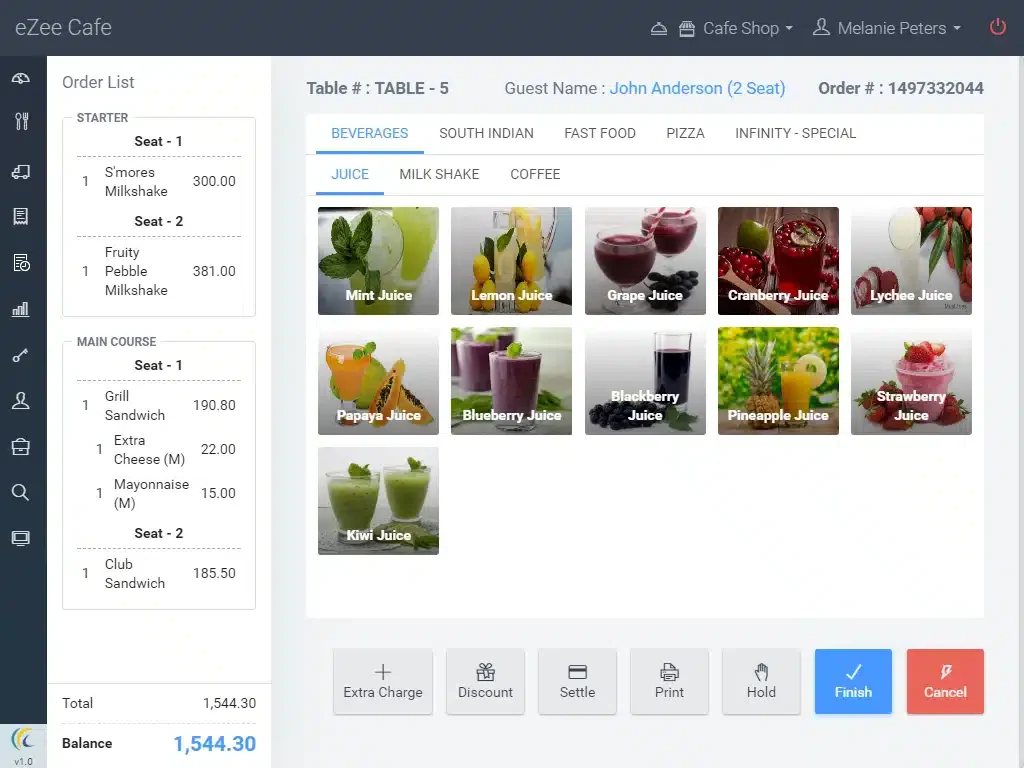 Why we picked it: eZee Optimus provides comprehensive control over restaurant operations, with a focus on ease of use and integration with other systems.
eZee Optimus is a cloud-based restaurant management software designed to simplify daily operations for restaurants. It offers a suite of tools that cover table management, billing, and customer service. eZee Optimus integrates with various third-party platforms.
Key features:
- Table management
- Billing and invoicing
- Loyalty program integration
- Real-time reporting
| Pros | Cons |
| Easy-to-use interface | Internet dependency |
| Comprehensive feature set | Limited advanced customization |
| Cloud-based access | Customer support can be slow |
| Real-time reporting | Can be costly for larger venues |
19. Poster POS
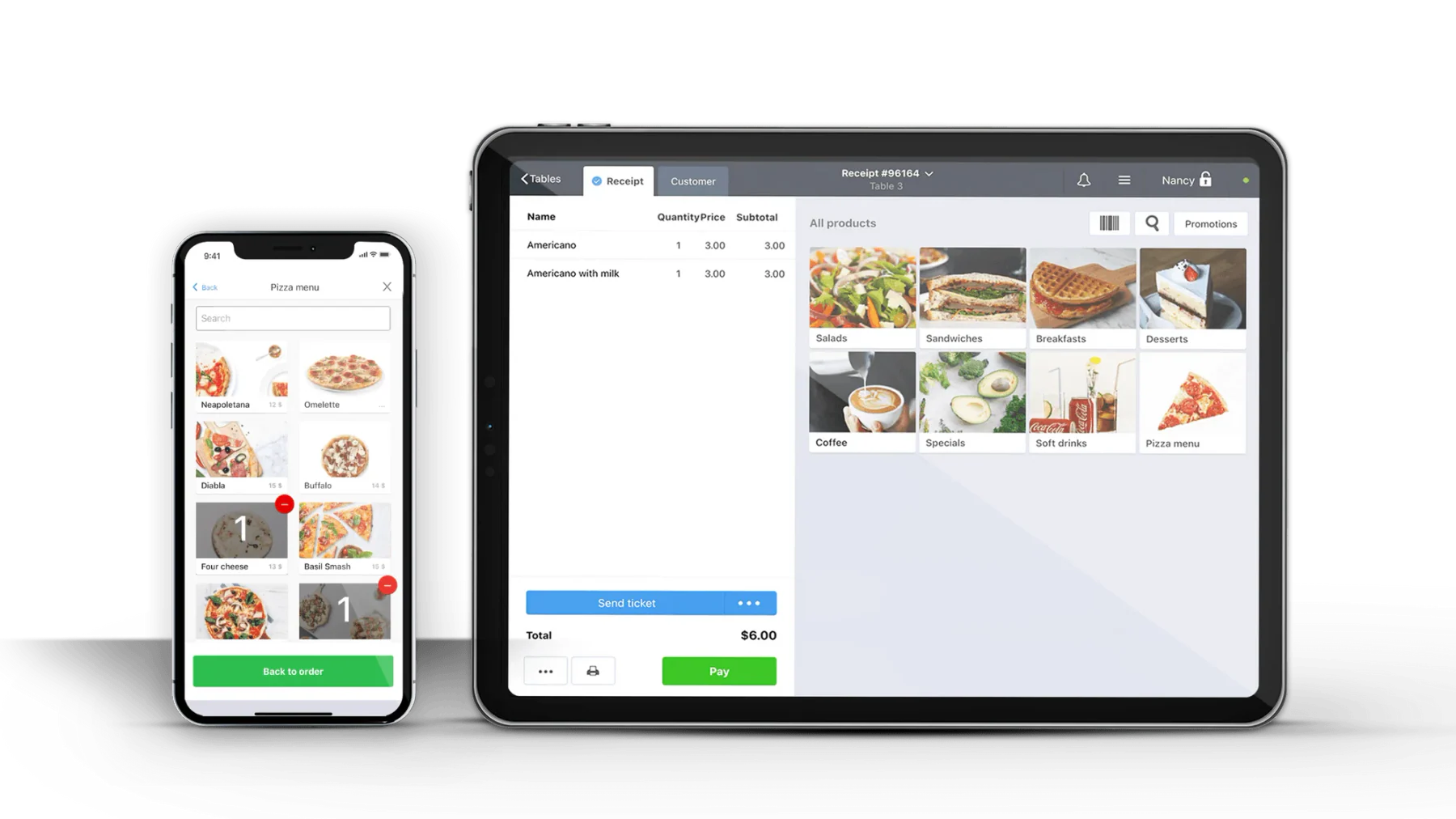
Why we picked it: Poster POS’s simple setup and ease of use make it a perfect choice for restaurants looking to implement a system quickly without extensive technical training.
Poster POS is designed with small and medium-sized restaurants in mind, offering an intuitive interface that allows staff to manage order handling solutions, track inventory, and process payments efficiently.
Key features:
- Sales tracking
- Employee scheduling
- Inventory management
| Pros | Cons |
| User-friendly interface | Limited customization |
| Quick setup | Not ideal for larger operations |
| Strong sales tracking | Lacks deeper functionality |
| Inventory management | Scalability issues |
20. eHopper
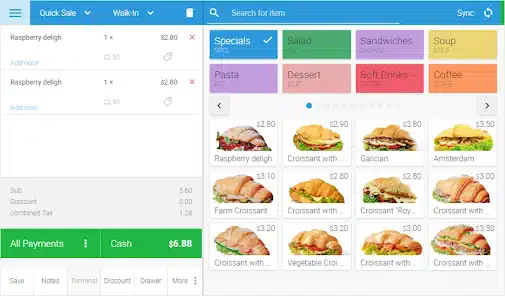
Why we picked it: eHopper provides a streamlined, easy-to-use system for managing restaurant sales, inventory, and customer data, with a focus on compact functionality.
eHopper is designed for quick-service restaurants and food service businesses, offering an intuitive and easy-to-navigate restaurant POS billing software. Its multi-platform support allows restaurants to use it on various devices, including tablets and desktops.
Key features:
- Order management
- Real-time inventory tracking
- Payment processor integration
| Pros | Cons |
| Simple interface | Limited advanced features |
| Multi-device compatibility | Internet dependency |
| Strong integration with payment systems | Basic reporting features |
| Easy to set up | Customer support delays |
21. Eposbuddy
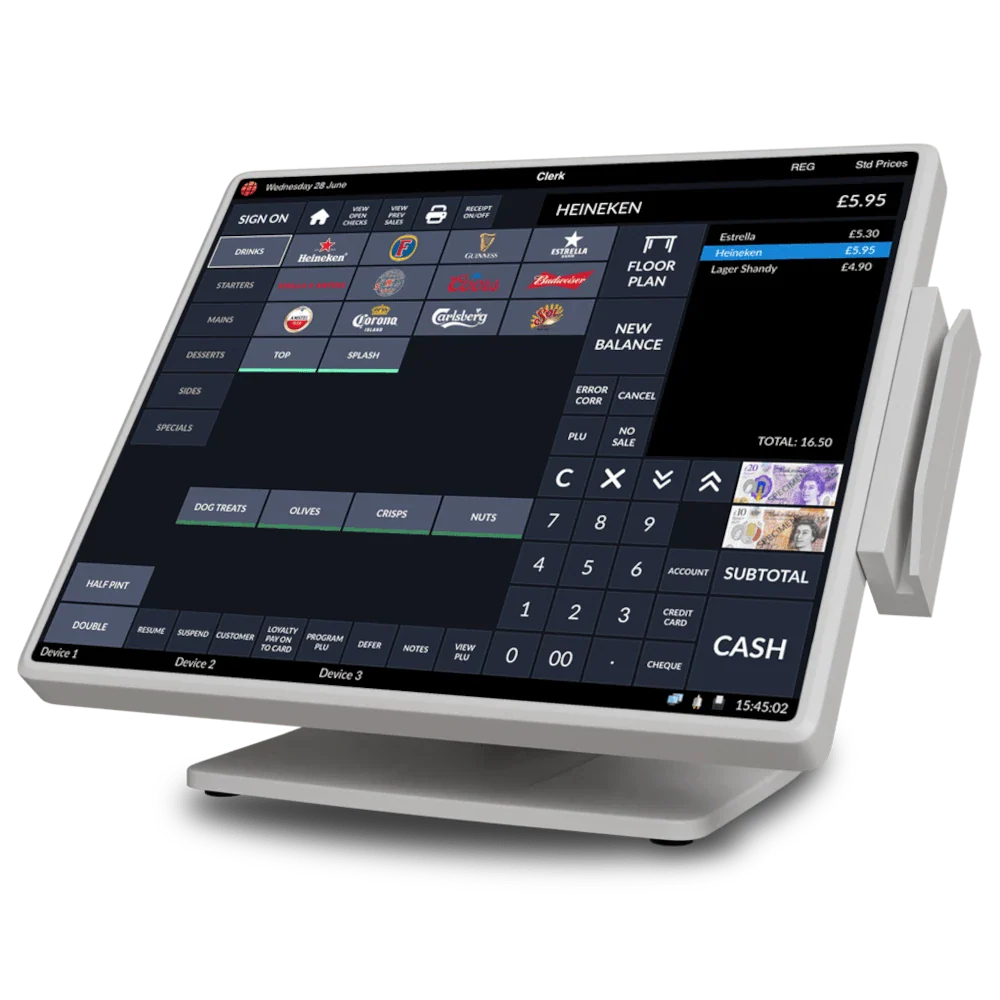
Why we picked it: Eposbuddy’s intuitive design and quick setup make it a great option for restaurants looking for an easy-to-implement billing system.
Eposbuddy is a restaurant POS system focused on simplifying complex restaurant operations. Its intuitive interface allows for quick order processing, while its split billing and customizable menus make it easy to adapt to different restaurant settings.
Key features:
- Customizable menus
- Kitchen display system
- Real-time reporting
- Inventory management
| Pros | Cons |
| Intuitive user interface | Limited advanced features |
| Quick setup | Hardware dependency |
| Comprehensive reporting | Requires internet connection |
| Customizable options | Customer support can vary |
22. Tillpoint
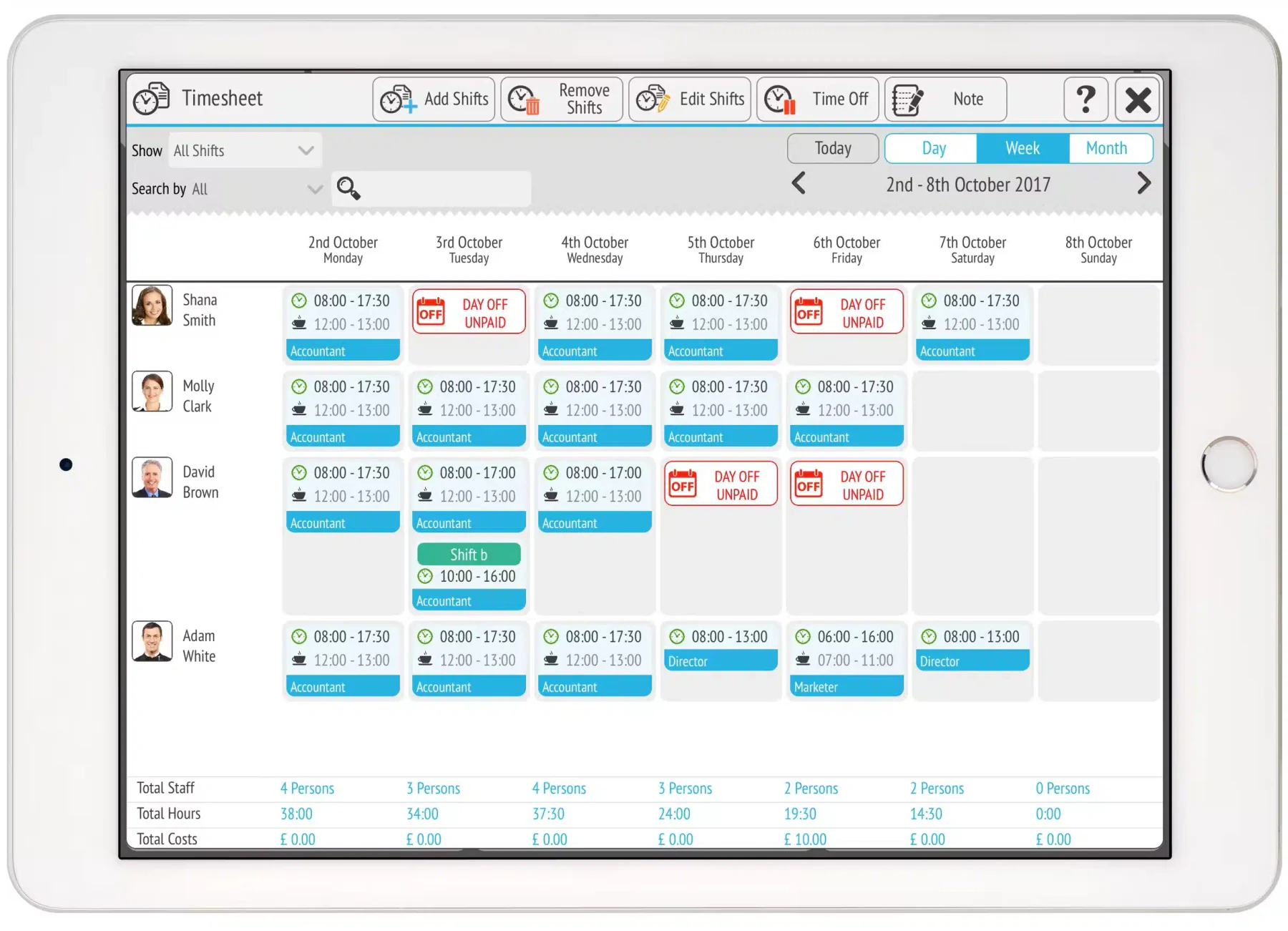 Why we picked it: Tillpoint’s ability to customize features based on restaurant needs makes it a flexible option for restaurants seeking more control over their operations.
Tillpoint offers a highly customizable restaurant billing system that allows businesses to select features based on their specific needs. Tillpoint’s flexibility is complemented by its strong reporting and analytics capabilities, providing restaurants with detailed insights into sales.
Key features:
- Customer loyalty programs
- Accounting integration
- Detailed reporting and analytics
- Multi-device compatibility
| Pros | Cons |
| Highly customizable | Complexity of setup |
| Strong reporting capabilities | Regular updates may disrupt use |
| Integration with accounting | Can be expensive for large venues |
| Multi-device support | Requires extensive staff training |
23. FoodZaps
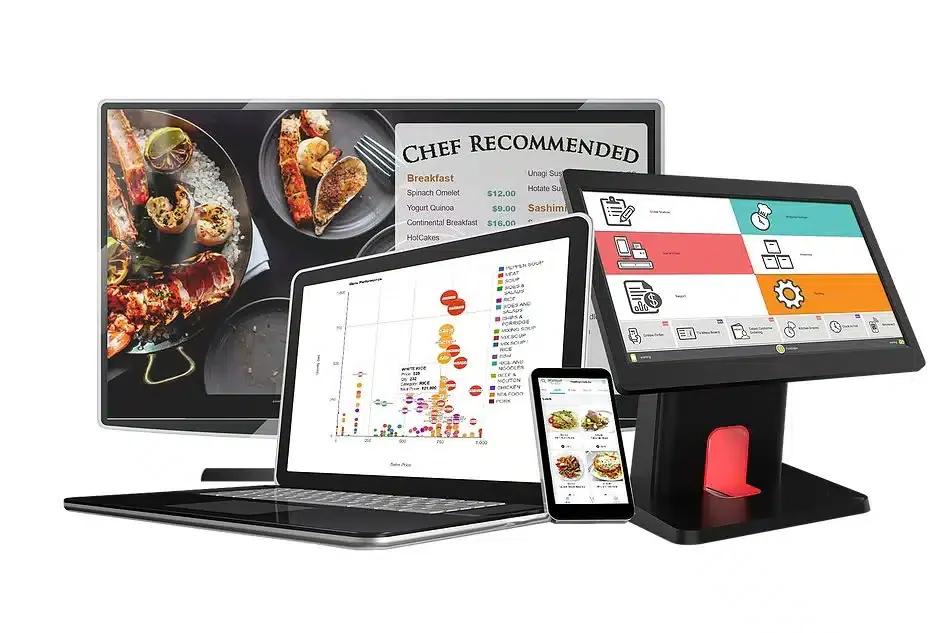
Why we picked it: FoodZaps’ ability to operate both online and offline makes it a reliable solution for restaurants dealing with unstable internet connections.
FoodZaps is an Android-based restaurant billing software known for its ability to function offline, making it reliable even during network disruptions. It integrates ordering, billing, and customer management features into one system.
Key features:
- Offline and online functionality
- Data sync across devices
- Customizable menu management
- Real-time reporting
| Pros | Cons |
| Reliable offline functionality | Optimized for Android devices |
| Data sync across devices | Limited customization |
| User-centric design | Occasional sync issues |
| Real-time reporting | May struggle with large operations |
24. Sapaad Restaurant Billing Software
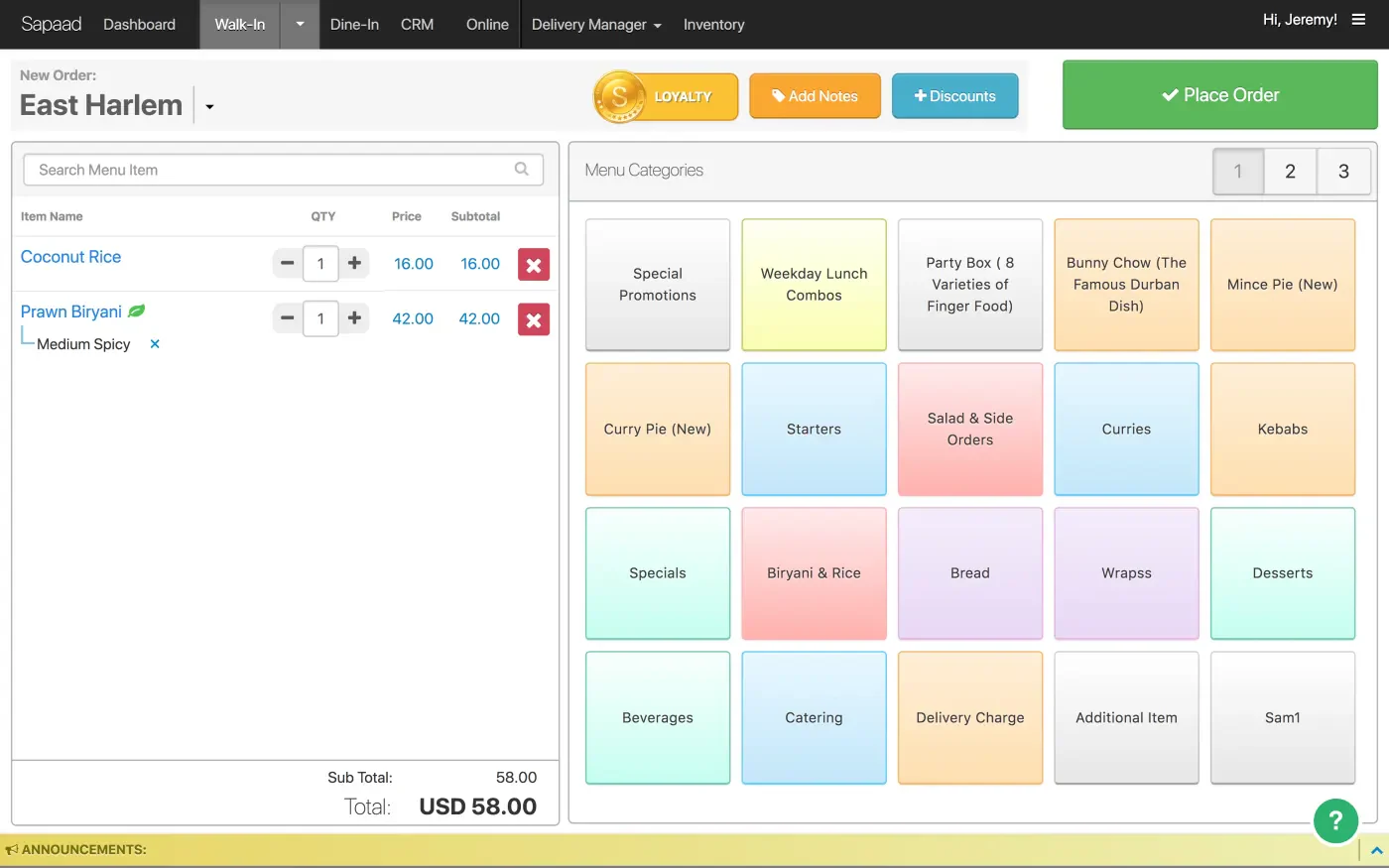
Why we picked it: Sapaad’s strong CRM and loyalty program integration make it an excellent option for restaurants looking to enhance customer relationships.
Sapaad is a restaurant POS and management system that offers a cloud-based platform to help restaurants streamline operations. It integrates with online ordering, CRM systems, and client reward programs.
Key features:
- Online ordering support
- Loyalty program management
- Cloud-based accessibility
| Pros | Cons |
| Cloud-based access | Internet dependence |
| Strong CRM integration | Some features require training |
| Loyalty program management | Can become costly with add-ons |
| Real-time analytics | Setup time may vary |
25. Billdoo
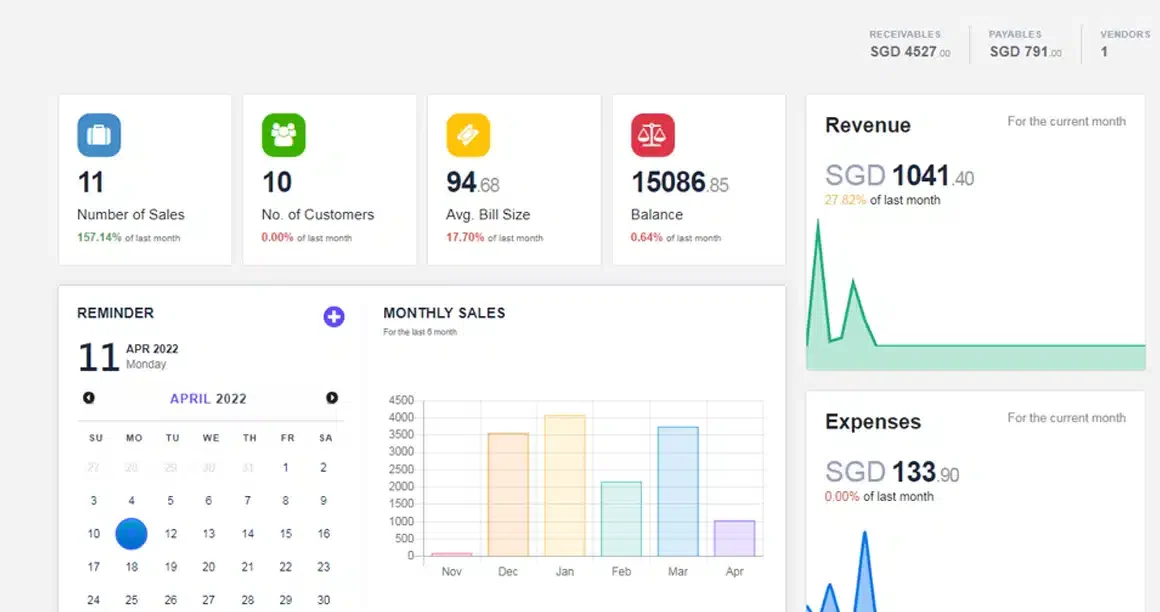 Why we picked it: Billdoo’s simplicity and offline capabilities make it a great option for restaurants that need a basic yet reliable billing system.
Billdoo is designed specifically for the restaurant industry, offering a streamlined system for managing POS billing software for restaurant, inventory, and customer interactions. Its easy-to-use interface requires minimal training.
Key features:
- Offline functionality
- Digital receipts
- Real-time reporting
- Inventory management
| Pros | Cons |
| Simple and easy to use | Limited advanced features |
| Reliable offline functionality | Scalability limitations |
| Quick implementation | Basic user interface |
| Real-time reporting | Hardware restrictions |
Choosing the Right Restaurant Billing Software for Your Business
Choosing the best restaurant billing software for your business in the Philippines is a decision that can significantly impact your restaurant’s efficiency and customer satisfaction. Consider the following factors:
- Features and functionality: Identify the essential features you need, such as inventory tracking, customer management, and real-time reporting.
- User-friendliness: A system that’s easy to use reduces staff training time and minimizes disruptions during implementation.
- Integration capabilities: Ensure the software can integrate with existing systems to streamline department operations.
- Security: Data security is vital, especially when handling customer and financial information.
- Support: Robust client relations support ensures issues are resolved quickly, minimizing downtime.

Conclusion
Investing in the right restaurant billing software can significantly improve your restaurant’s efficiency. By automating order processing, payments, and inventory tracking, it reduces errors and frees up staff to focus on delivering better customer service.
Modern POS systems also provide valuable data insights, helping restaurant owners understand sales trends, monitor performance, and make informed decisions to grow the business.
Choosing the right system is a strategic step toward smoother operations. If you’re ready to optimize your restaurant workflow and boost efficiency, consider scheduling a free consultation to explore the best solution for your business needs.
FAQ About Restaurant Billing Software
What do restaurants use for billing?
Restaurants typically use POS (Point of Sale) Billing Software to manage billing. This software streamlines order processing, payment handling, and financial tracking, helping restaurants improve service efficiency and reduce errors during checkout.
How does billing software work?
Billing software works by automating the process of generating, tracking, and managing payments for products or services. For restaurants, it integrates with the Point of Sale (POS) system to record orders, calculate totals, apply taxes or discounts, and process payments. It also tracks inventory, manages customer data, and provides real-time reports on sales and financial transactions.
What is a restaurant bill called?
A restaurant bill is commonly called a check or tab. It lists the items ordered, their prices, and the total amount due, including any taxes or service charges.